All guides
Start here
Customers and billing
Hotspot
Network
- Devices, OLTs and ONUs
- Routers, RADIUS and sessions
- TR-069 and remote ONU setup
- Zones, nodes, topology and the map
Support and messaging
Your team and settings
For your subscribers
Troubleshooting
On this page
Ways to pay#
You can pay in three ways. Pick the one that is easiest for you.
| Way | How |
|---|---|
| Payment link | Tap the link in your provider's SMS. Your phone gets an M-Pesa prompt. |
| Customer portal | Sign in, press Renew or Pay now. Your phone gets an M-Pesa prompt. |
| Paybill or Till | Pay from the M-Pesa menu on your phone, like any other bill. |
Every internet provider has its own paybill or till number. You find it in your provider's SMS messages. The numbers on this page are only examples.
Pay with a payment link#
Some reminder messages from your provider have a short payment link in them.
- Tap the link. A page opens with your name, your plan and the amount due.
- Check the M-Pesa phone number. You can change it to pay from another phone.

- Press Pay with M-Pesa. The page says Check your phone.
- Enter your M-Pesa PIN on your phone. When the money arrives, the page says Payment received.
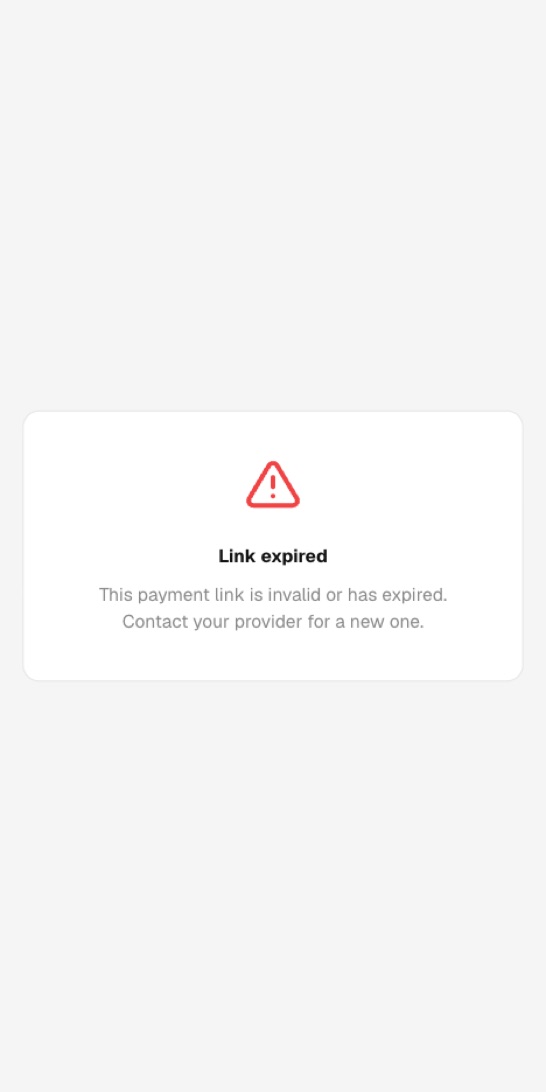
Pay from the customer portal#
- Sign in to the portal. See The customer portal.
- Press Renew or Pay now at the top of the page.
- Check the Phone number and the Amount (KES), then press Send prompt.

- Enter your M-Pesa PIN on your phone.
If the portal won't send the prompt, pay by Paybill instead. It always works.
Pay by Paybill#
- Open M-Pesa and choose Lipa na M-Pesa, then Pay Bill.
- For Business number, type your provider's paybill, for example
123456. - For Account number, type your account number exactly, for example
AML0042. - Type the amount, enter your PIN and send.
Pay by Till#
Some providers use a Till instead. Choose Lipa na M-Pesa, then Buy Goods and Services, and type the till number.
A Till has no account number. We find you by your phone number. So pay from the phone number your provider has for you.
After you pay#
- Your internet is renewed as soon as the money arrives. This usually takes less than a minute.
- If you were cut off, your router connects again by itself within a few minutes.
- You usually get an SMS saying the payment was received and the date your internet now runs to.
- Paid early? No days are lost. The new period starts when the old one ends.
- Paid after it ran out? The new period starts from the time you paid.
If you pay less than your plan price, you may get fewer days. If you pay more, the extra is usually kept for next time. It depends on your provider.
If your payment doesn't show#
- Wait 5 minutes. M-Pesa is sometimes slow.
- If the internet is still off, sign in to the portal and press Reconnect. Or switch your router off, wait 10 seconds and switch it on.
- Look at your M-Pesa SMS. Did you use the right paybill and the right account number? Keep the M-Pesa code, for example
TJK4H7XQ2P. - Tell your provider. In the portal, open Help, press Report a problem and choose Payment not reflected. Put the M-Pesa code in your message. Or call them with the code.